
Company
About Daftrah
One clear workspace for the daily work behind your business.
How to use Daftrah
Learn one task at a time.
Each quick guide shows one real workflow. Open the demo and follow the same steps.
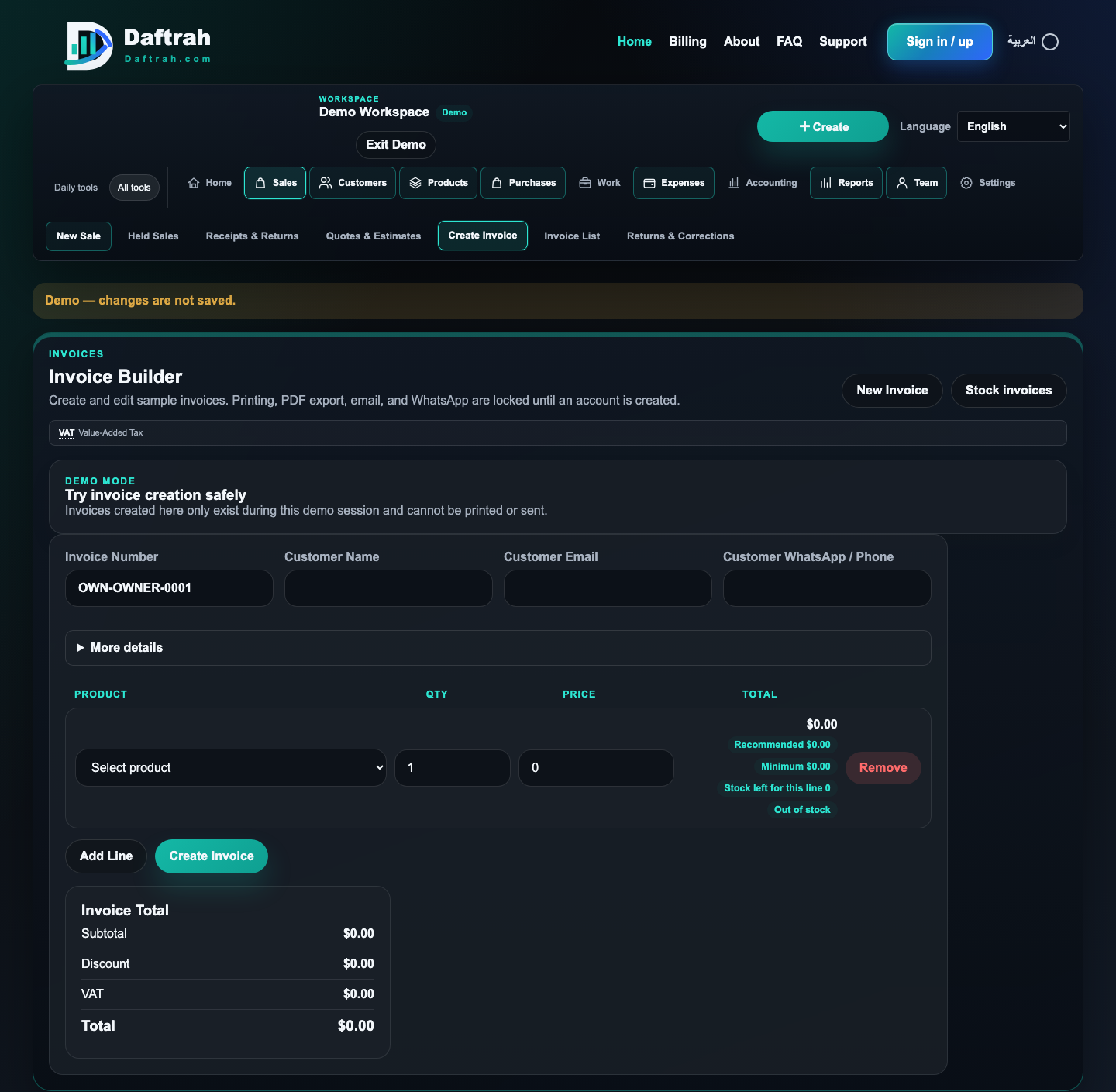
1
Create a sale
- Choose a customer.
- Add products or services.
- Review and save.
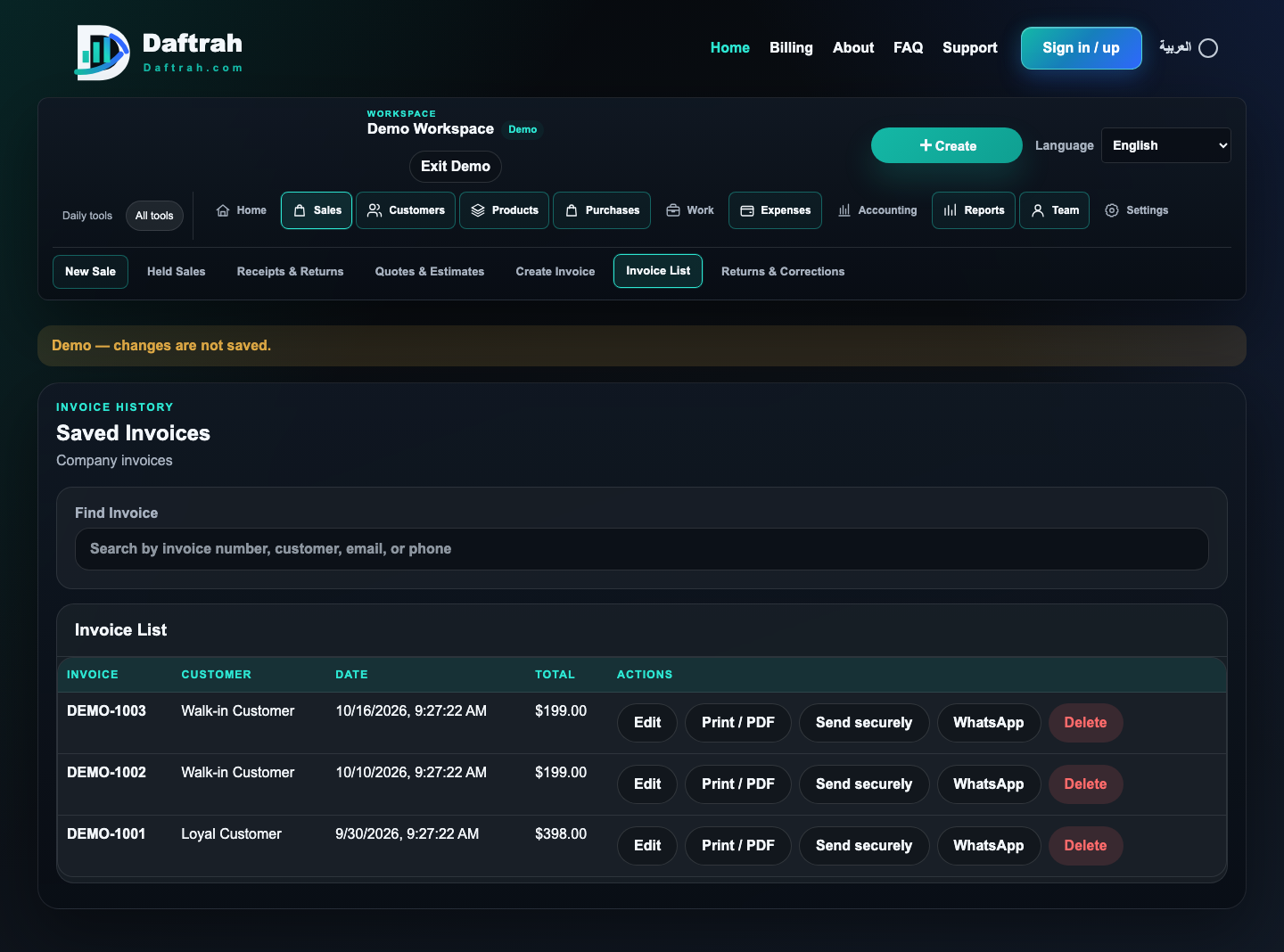
2
Check the result
- Open the saved record.
- Confirm status and amount.
- Print or share when ready.
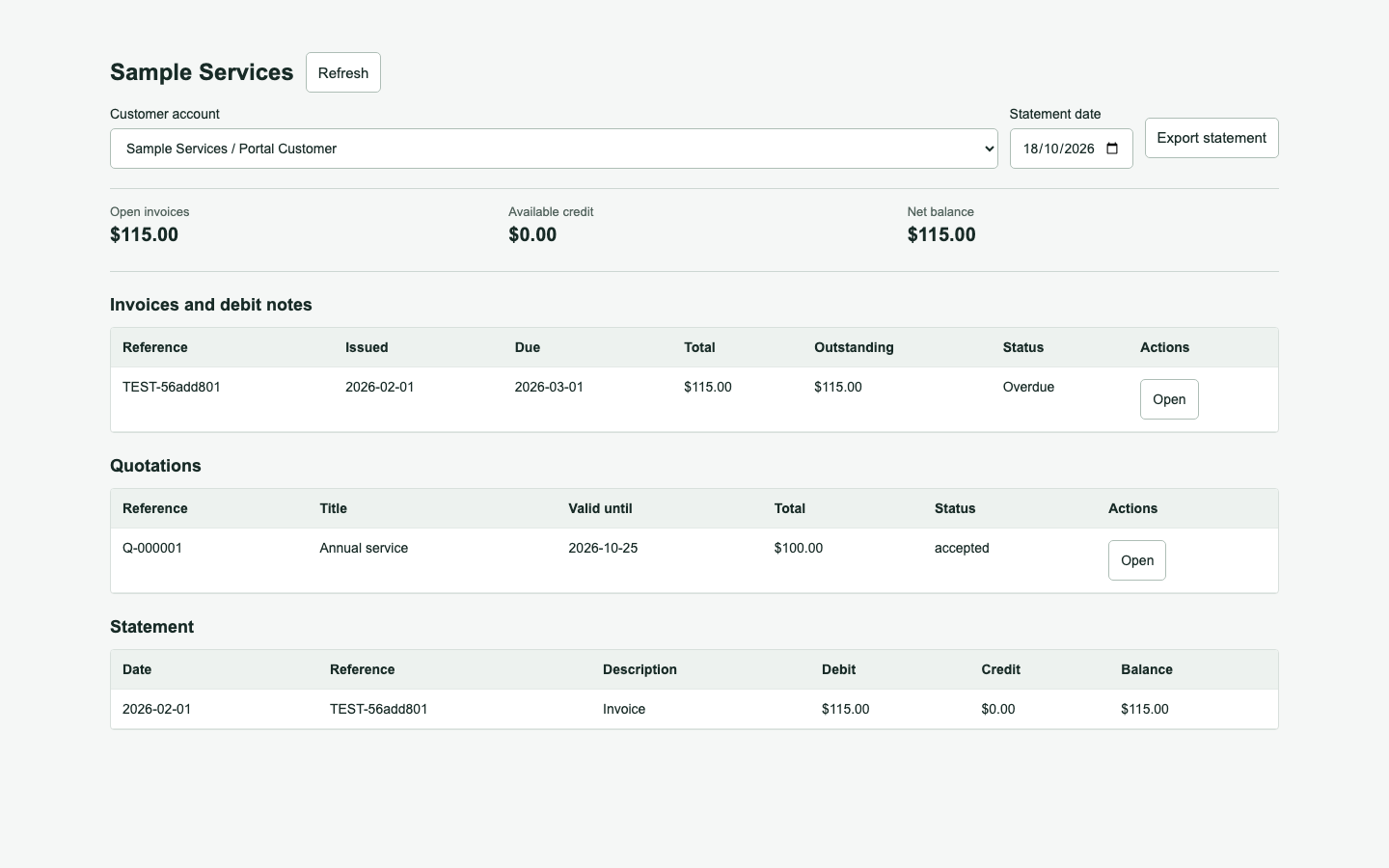
3
Help the customer
- Open the customer record.
- Review their balance and history.
- Give secure portal access if needed.
Open the interactive demoNo account or real data needed.
Set up
Add the business once.
Add company details, users, products, customers, and opening stock. Products can also be imported with the spreadsheet template.
Daily work
Open only the tool you need.
Use Sales, Customers, Products, Purchases, Expenses, Team, and Reports. Less-used tools stay organized under their category.
Control
See what changed.
Owners review cash, stock, sales, expenses, and employee access. Each employee sees only their permitted tools.
A simple merchant routine
Set up. Sell. Check. Close.
Daftrah follows the way a real business works, without making the merchant learn the whole system first.
Daftrah.com
Explore your daily workspace.
A cleaner workspace for owners who want more control over daily operations.